Boost Your FPS by 100%
with One Click
The Ultimate Cross-Platform Game Optimizer
Unlock your Mac & Windows full potential. Boost FPS, purge RAM, and optimize performance with a single click. No technical skills required.
The Optimizer Suite
Powerful tools to maximize your gaming performance
Game Mode
One-click optimization for peak performance. Automatically allocates resources to your game.
RAM Purge
Instant memory cleanup to free up resources. Reclaim gigabytes of RAM in seconds.
FPS Boost
Intelligent process prioritization for smoother gameplay. No more stuttering or lag.
Deep Clean
System-wide file cleanup to remove junk. Clear caches and temporary files effortlessly.
Network Tuner
Minimize latency and stabilize ping. Optimize your connection for competitive gaming.
App Showcase
Explore every feature of FrameBoost
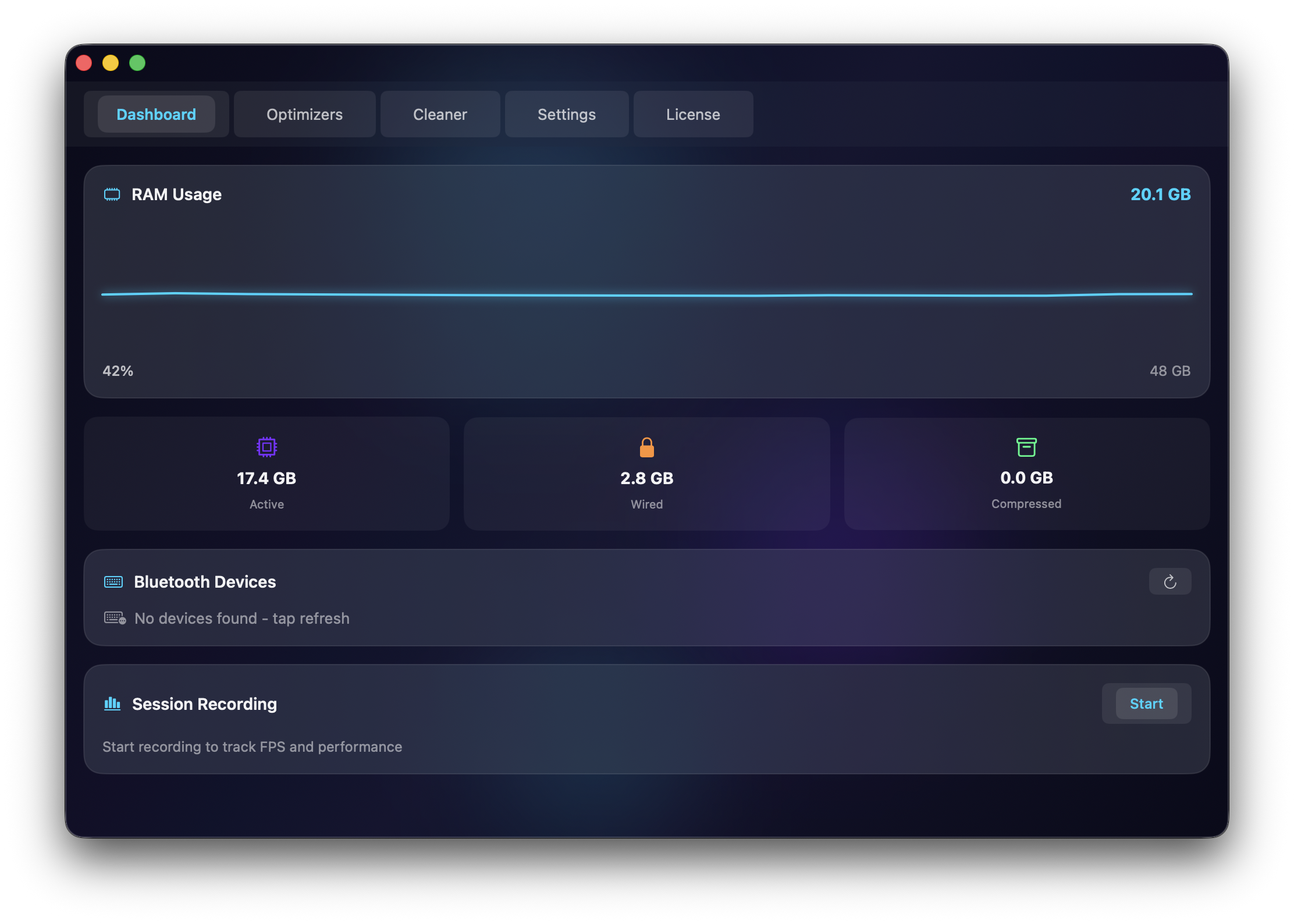
Main Dashboard
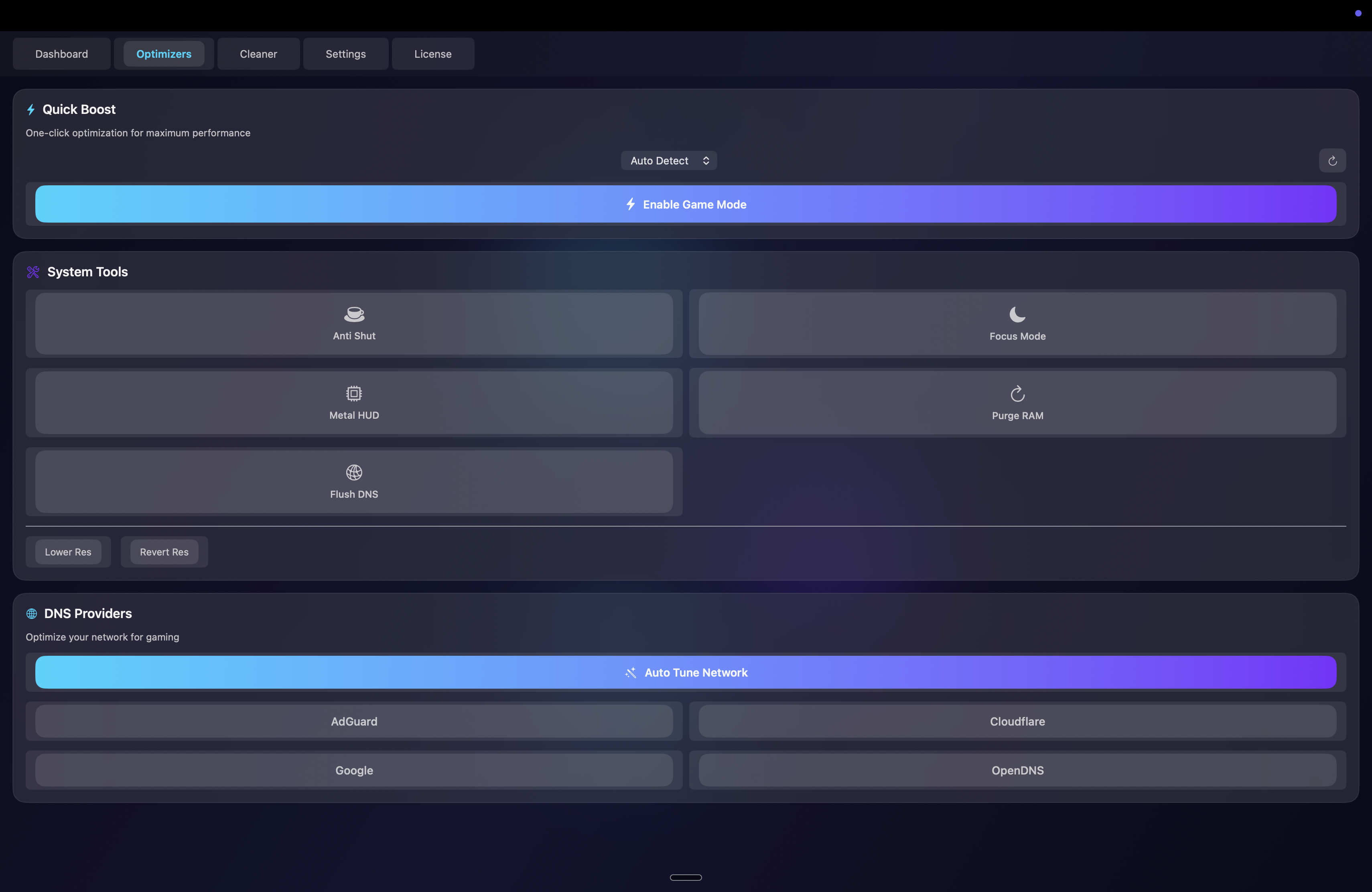
Quick Boost Tools
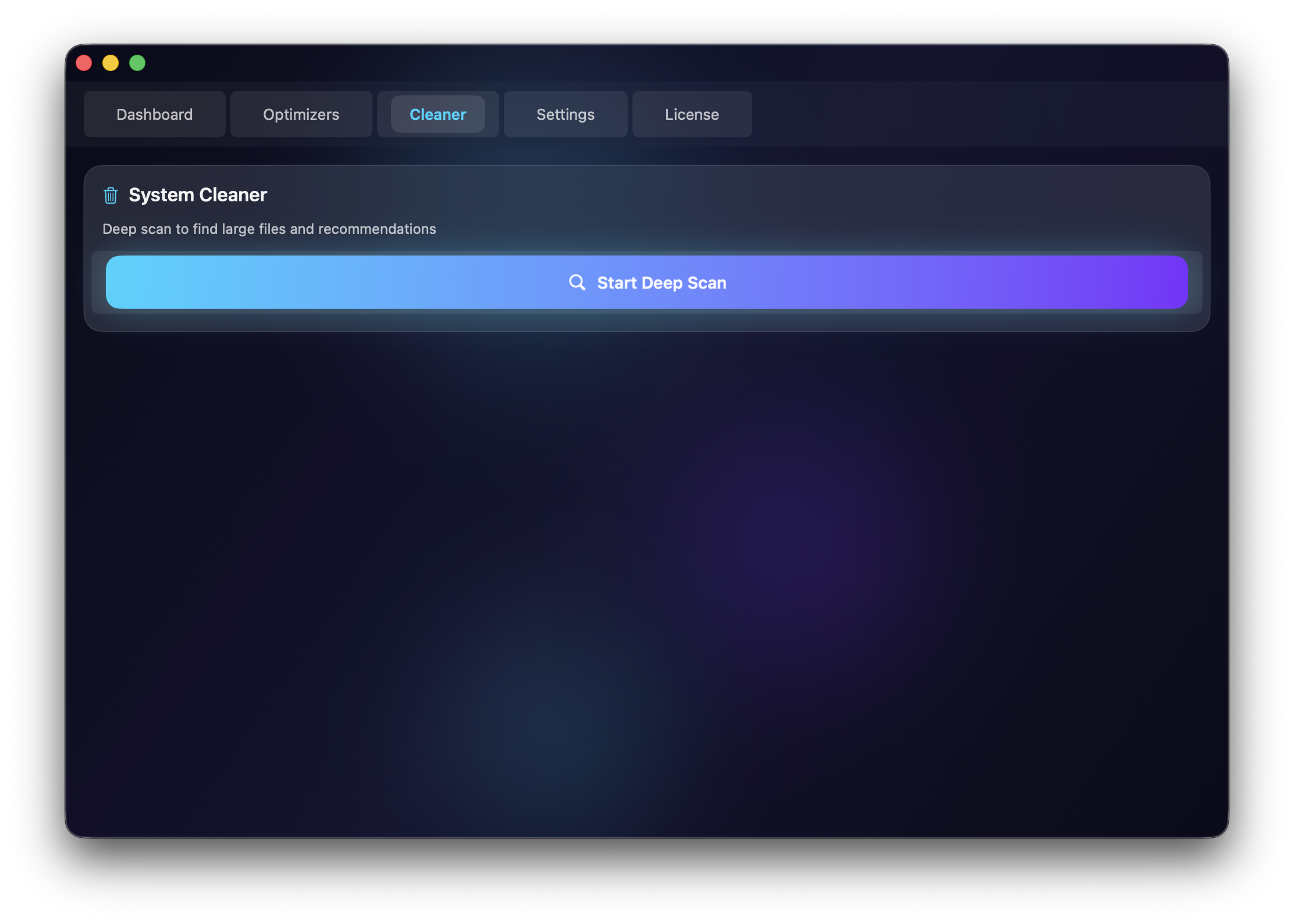
System Cleaner
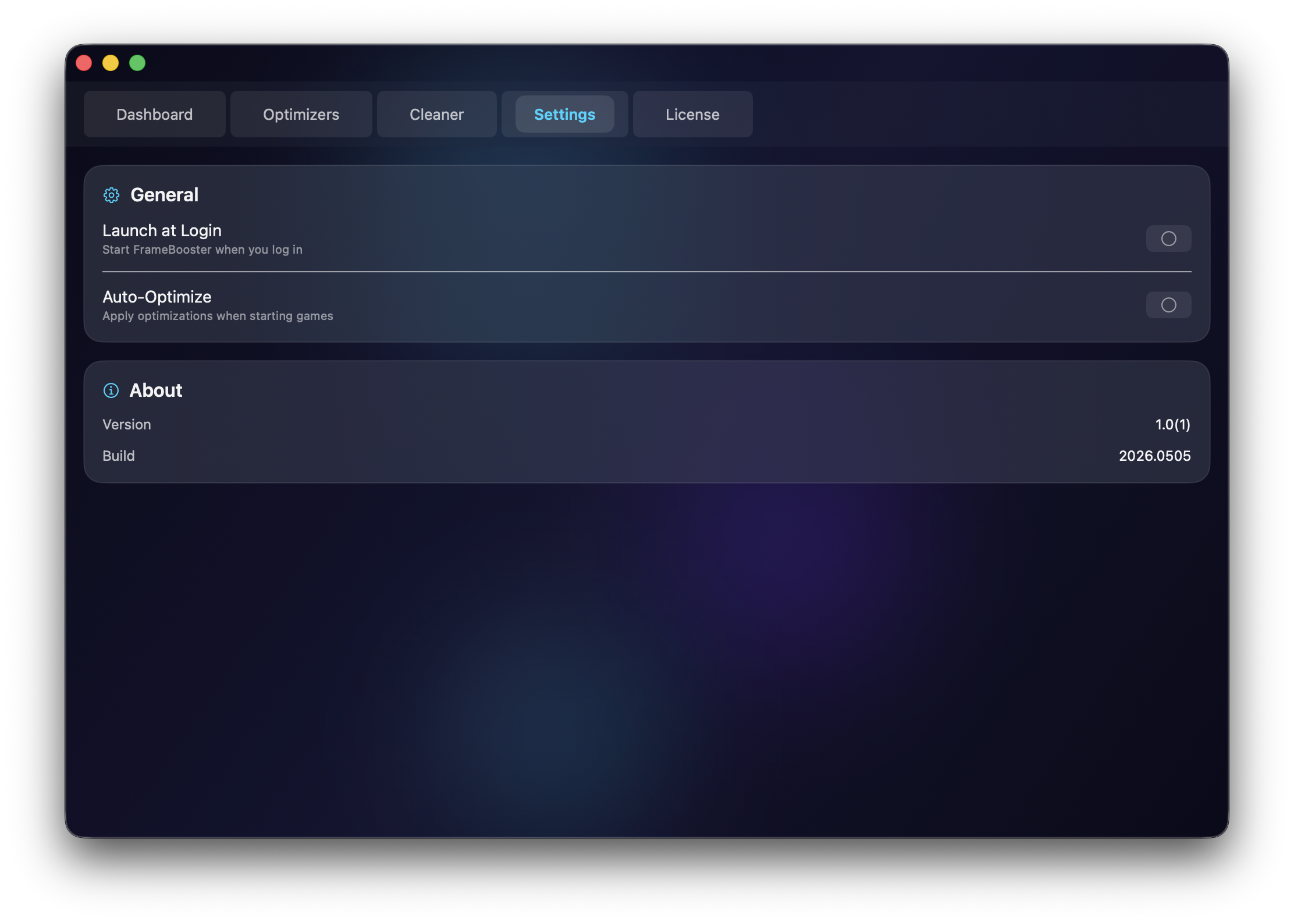
Settings
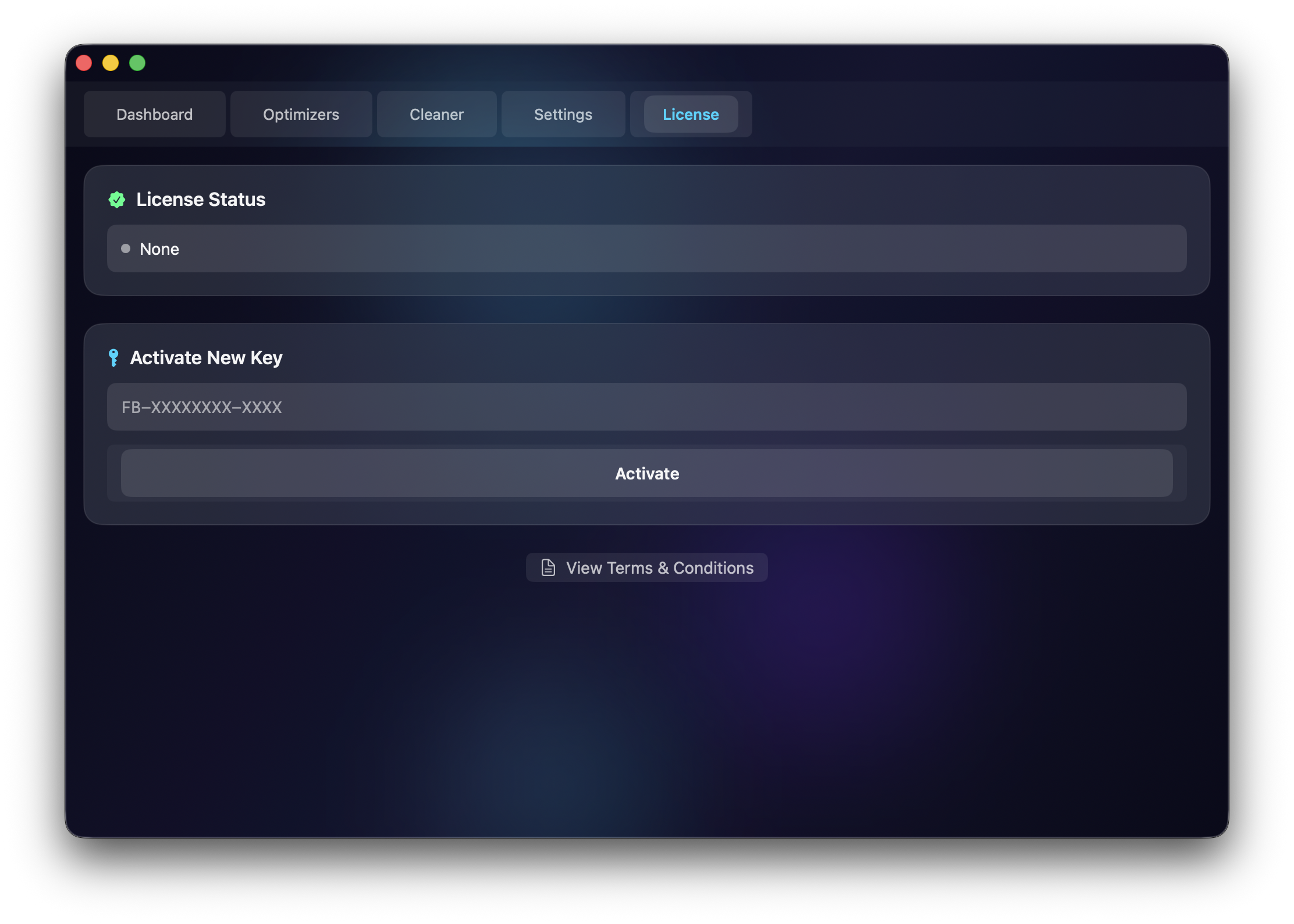
License Activation
Windows Edition
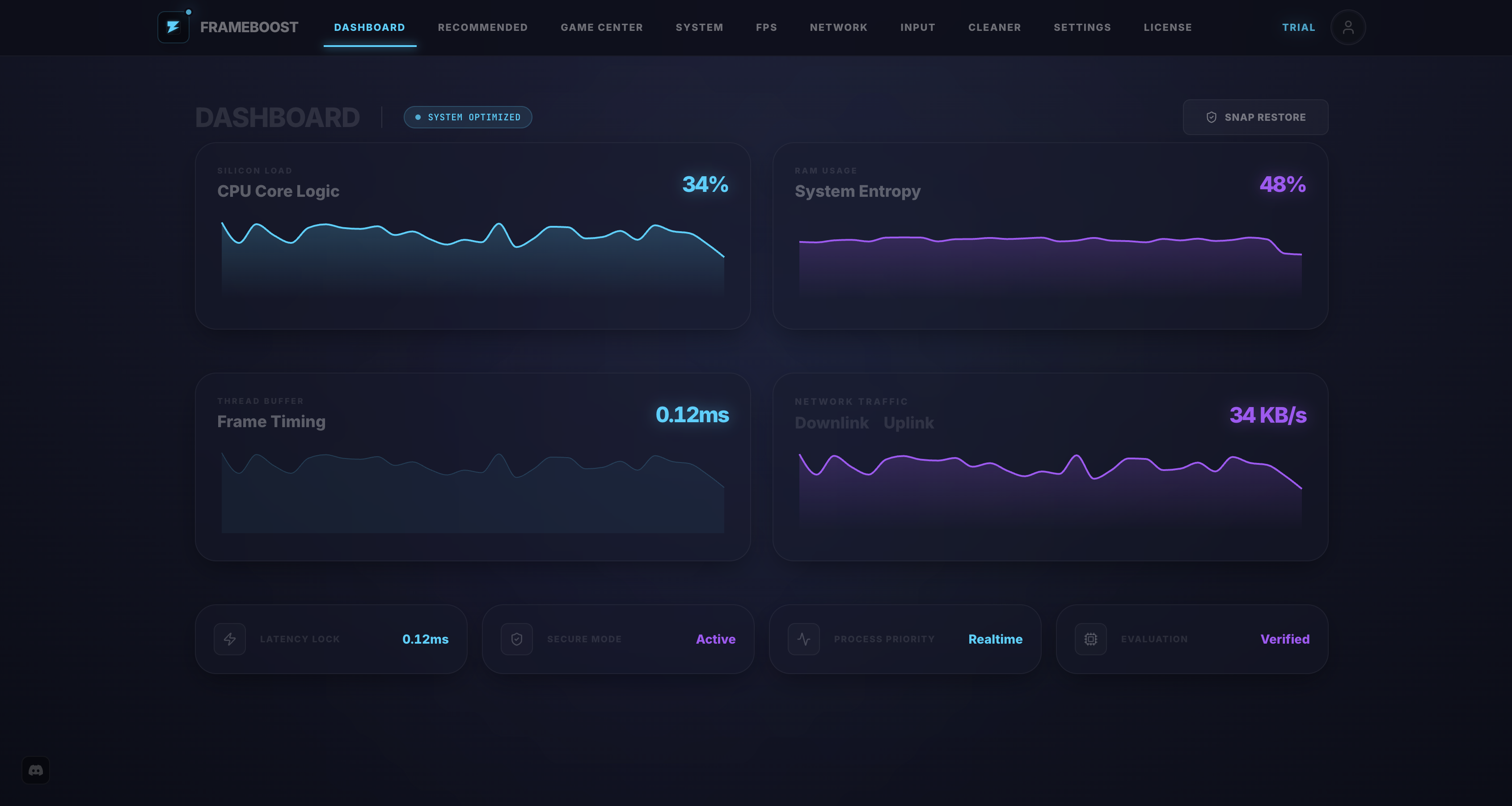
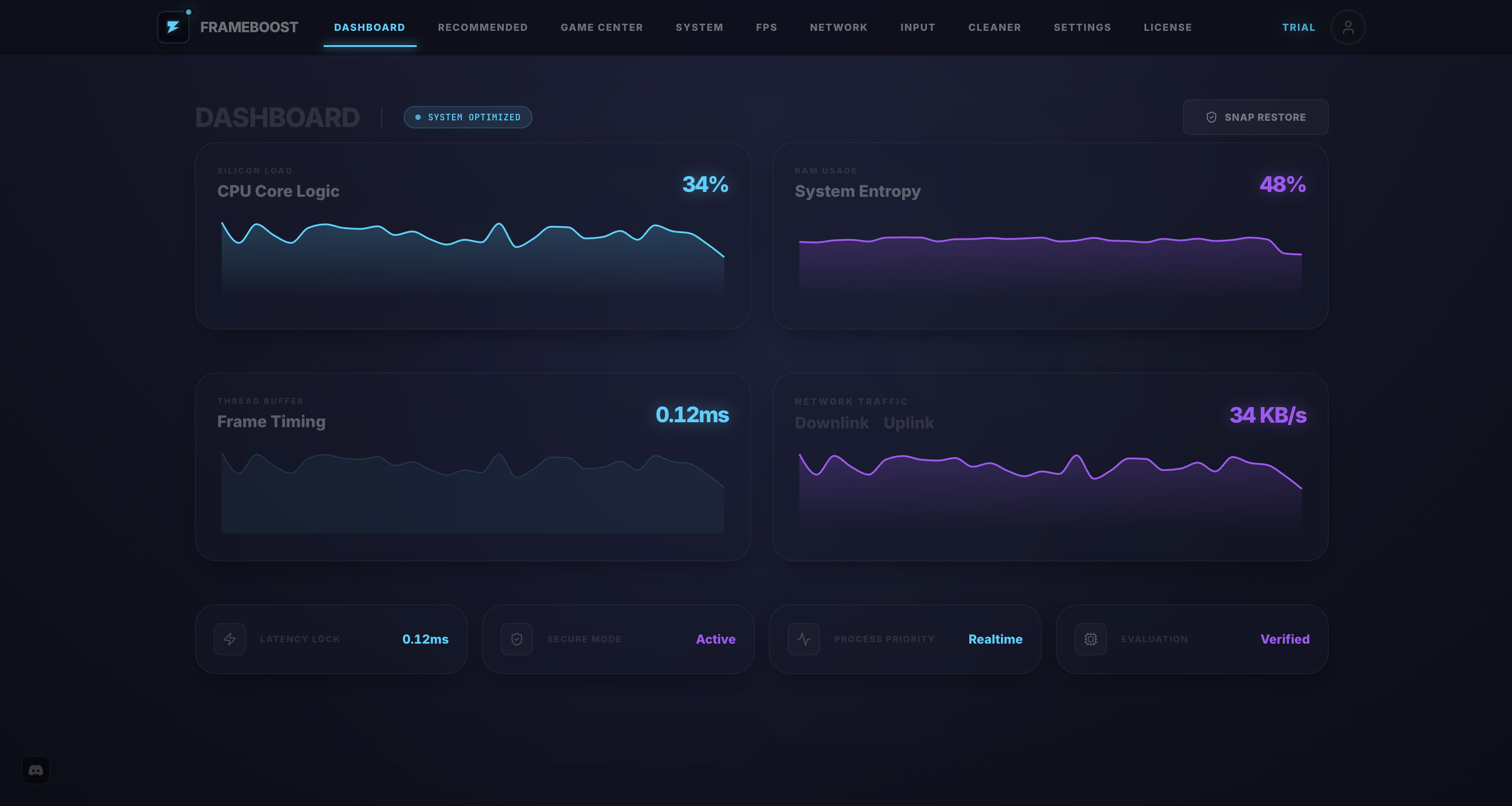
Dashboard
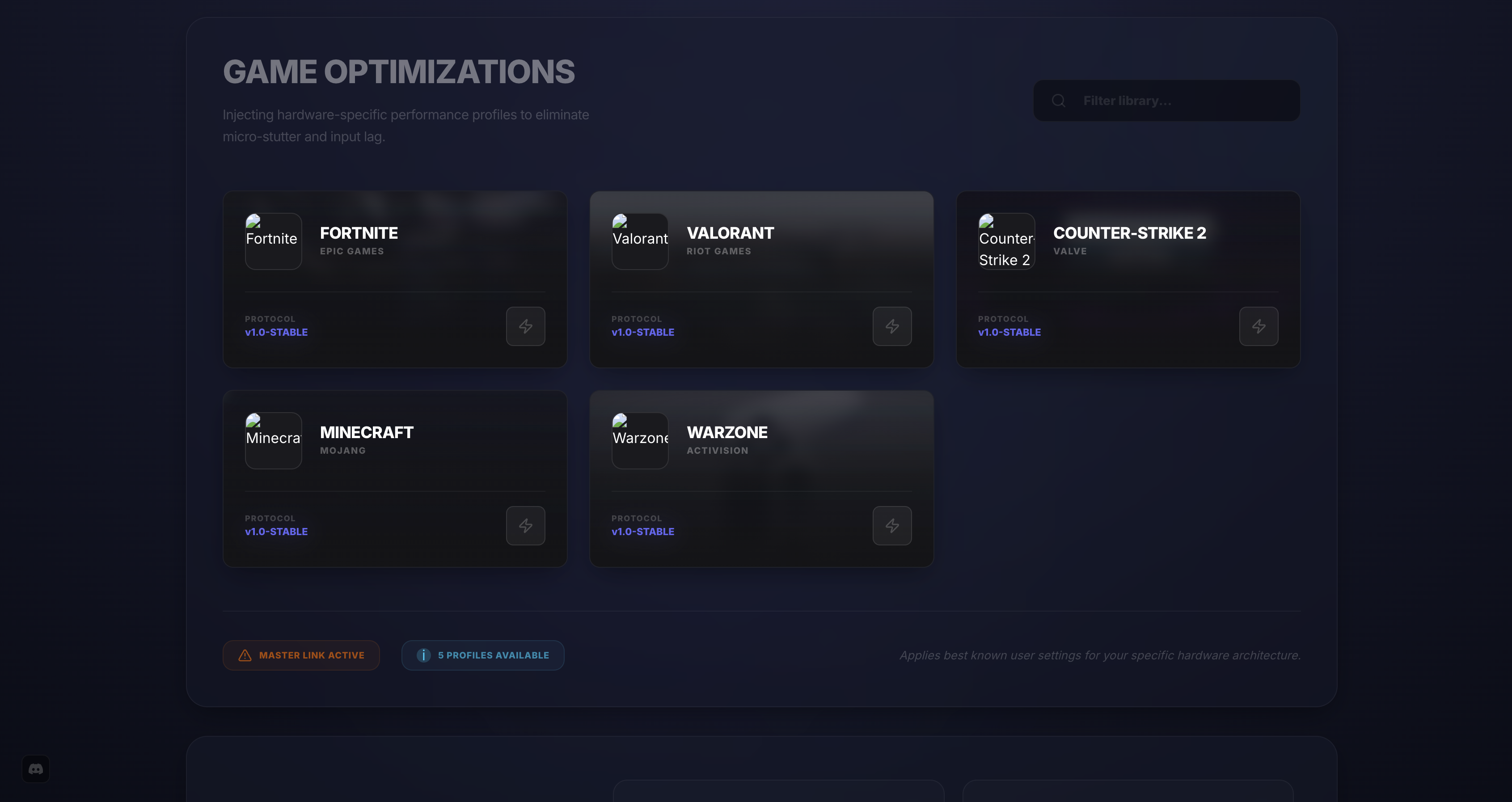
Game Optimizer
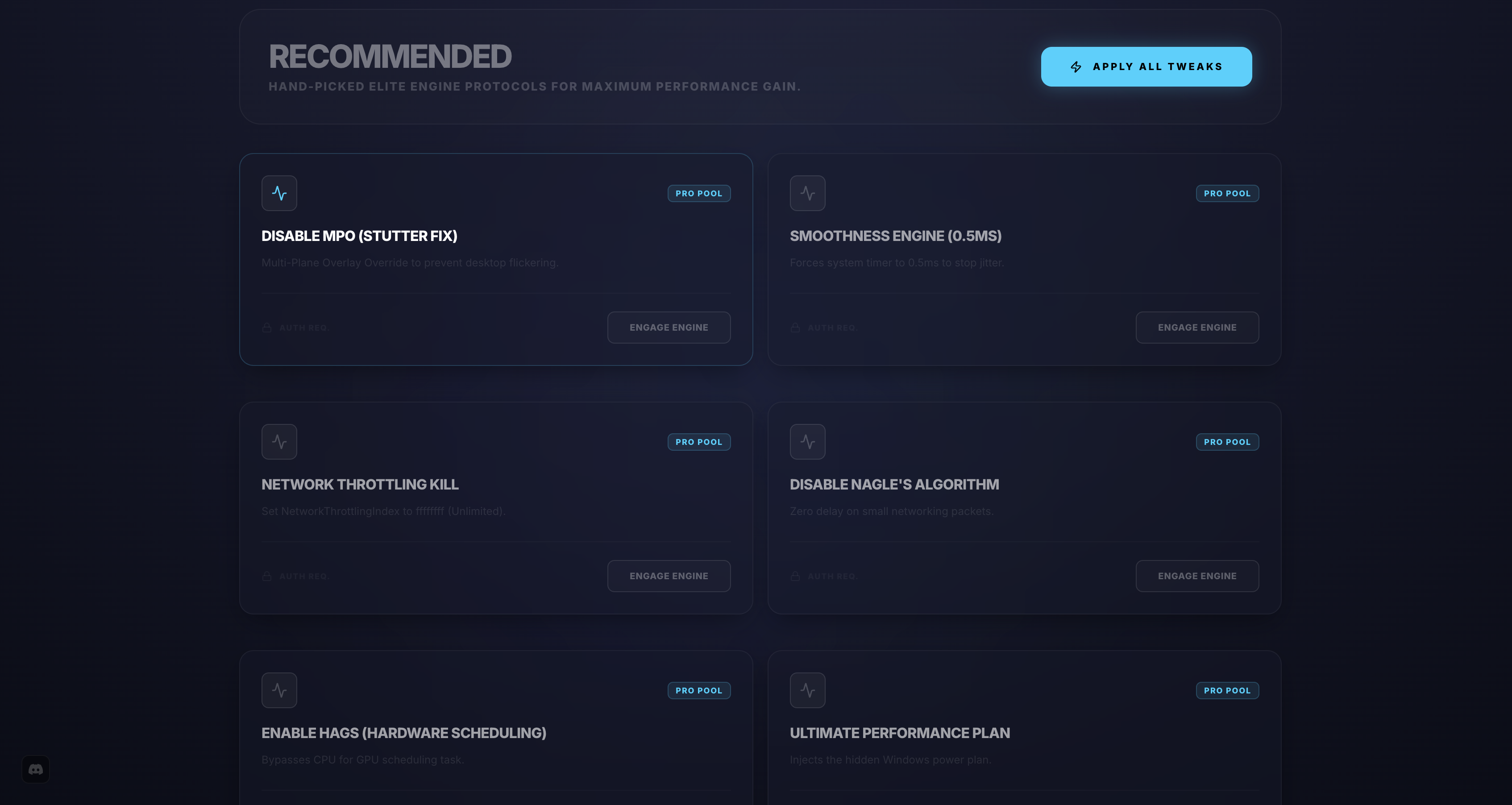
Full Flux Recommendation List
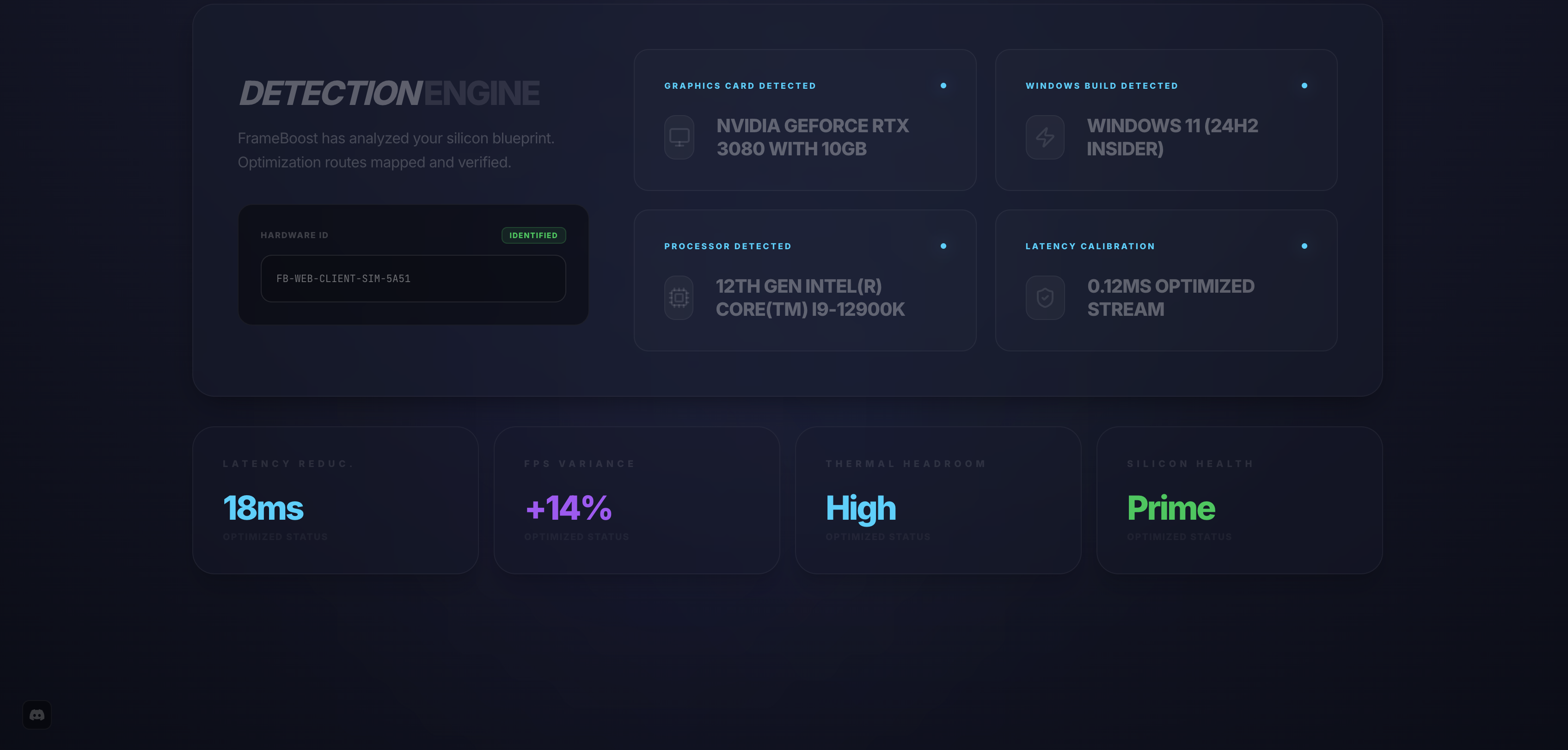
Detection Engine
What Early Users Are Saying
See what the community is saying about FrameBoost
"FrameBoost doubled my FPS in Warzone. I went from a stuttering mess to buttery smooth 144fps. Best $10 I've ever spent."
"The RAM purge feature alone is worth it. Freed up 4GB instantly and my system felt brand new. Runs great on Windows 11."
"Network Tuner dropped my ping from 80ms to 45ms in Valorant. The difference is night and day. Highly recommend for competitive play."
Real-Time Monitoring
Keep track of your system's performance at a glance
Simple, Transparent Pricing
Mac
- Full Game Mode optimization
- Unlimited RAM Purge
- Real-time monitoring dashboard
- Deep Clean system utilities
- Network Tuner optimization
- Premium Discord support
- Free updates for life
One-time payment, lifetime access.
Windows
- Full Game Mode optimization
- Unlimited RAM Purge
- Real-time monitoring dashboard
- Deep Clean system utilities
- Network Tuner optimization
- Premium Discord support
- Free updates for life
One-time payment, lifetime access.
Frequently Asked Questions
Everything you need to know about FrameBoost
Ready to Boost Your Performance?
Early access is live — try FrameBoost for free